
Go Digital: Add Your Bronco Card to Your Mobile Wallet
In today’s fast-paced world, convenience and security go hand-in-hand—especially when it comes to how you pay. If you haven’t started using a mobile wallet yet, now’s the perfect time to make the switch—and yes, you can use it with your Bronco debit or credit card!
What Is a Mobile Wallet?
A mobile wallet is a secure app on your smartphone, smartwatch, or tablet that stores your credit and debit card information digitally. Instead of carrying your physical card, you can make payments directly from your device using services like:
- Apple Pay®
- Google Pay™
- Samsung Wallet™
Your mobile wallet can be used in-store, online, or even in apps, making purchases faster and more seamless.
How Does It Work?
Once you add your Bronco card to your mobile wallet (don’t worry—it’s easy!), your device uses Near Field Communication (NFC) technology to securely transmit your payment information at checkout.
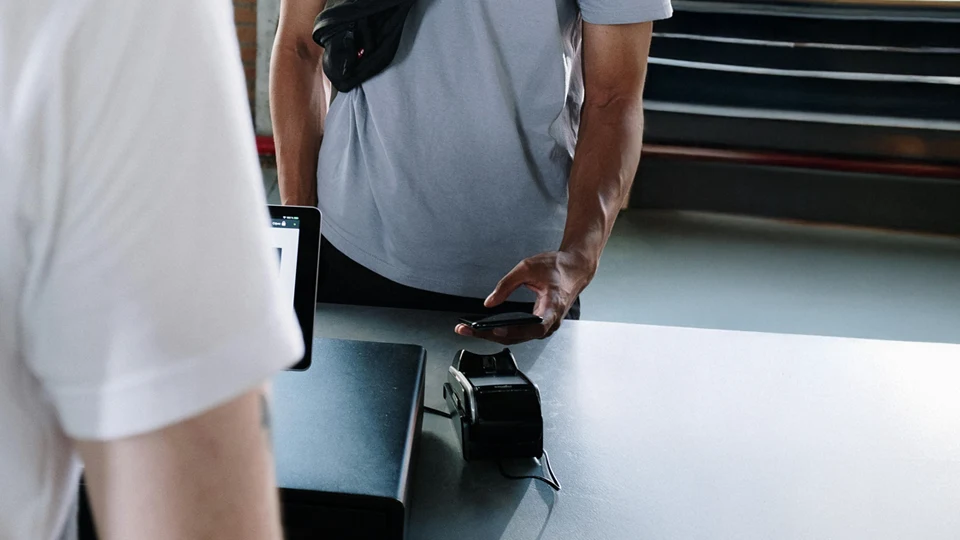
Just hold your phone or watch near the payment terminal, authenticate the transaction (usually with a fingerprint, face ID, or passcode), and you’re done. No need to swipe, dip, or type in card numbers.
Why Use a Mobile Wallet?
Enhanced Security
Mobile wallets offer more security than physical cards:
- Your actual card number is never shared during transactions.
- Payments are encrypted and often require biometric or passcode verification.
- If your phone is lost or stolen, your card info stays protected and can be remotely wiped—unlike a physical card that can be used until it’s reported lost.
Ultimate Convenience
- Leave your wallet at home—you can pay with your phone or watch wherever mobile payments are accepted.
- Perfect for contactless checkouts, whether you’re grabbing coffee or shopping online.
- Easily access your Bronco card without digging through your bag or wallet.
Compatible With Your Bronco Card—and Easy to Set Up!
You can add your Bronco FCU debit or credit card to your mobile wallet in just a few clicks—right from the Bronco FCU App. Whether you’re using Apple Pay®, Google Pay™, or Samsung Wallet™, the process is simple and secure.
Here’s how:
- Log in to the Bronco FCU App.
- Tap on your card and look for the “Add to Wallet” or mobile wallet option.
- Follow the prompts to complete setup.
That’s it! Your card will be ready to use on your phone or smartwatch wherever contactless payments are accepted.
Ready to Go Contactless?
Using a mobile wallet isn’t just a trend—it’s a safer, smarter, and simpler way to pay. If you need help adding your Bronco card to your mobile wallet, stop by any branch or give us a call. We’re happy to walk you through it.
Go contactless. Stay secure. Shop with ease.
Add your Bronco card to your mobile wallet today!
Message and data rates may apply.
Related Posts

On Monday, October 12, 14 teams came together for a day...


Our teammates set us apart, bringing that warm, familiar feeling to...